See What’s Been Requested
Clients can see which documents are outstanding, uploaded, or received.
FEATURES FIRM SETUP & CLIENT PORTAL
Give your clients a professional, secure portal that looks and feels like your firm. Clients can upload documents, answer questions, track requests, and review files your firm shares with them.
Book a DemoClients can see which documents are outstanding, uploaded, or received.
Clients can upload files, answer questions, or tell your team they don't have a requested document—right from their portal.
Clients can find requests, questionnaires, and files your firm shares with them in the portal.
HOW IT WORKS
Clients can use the portal to respond to requests and review files your firm shares.
Clients receive a branded invitation when you send their first document request or questionnaire. They create their secure sign-in when they accept it.
Clients complete a short questionnaire about their current-year situation. Their answers can help identify additional documents your firm needs.
Clients upload each requested file and see its status. They can also indicate when something is unavailable or was already submitted.
Clients can open review documents or a completed return when your firm shares those files.
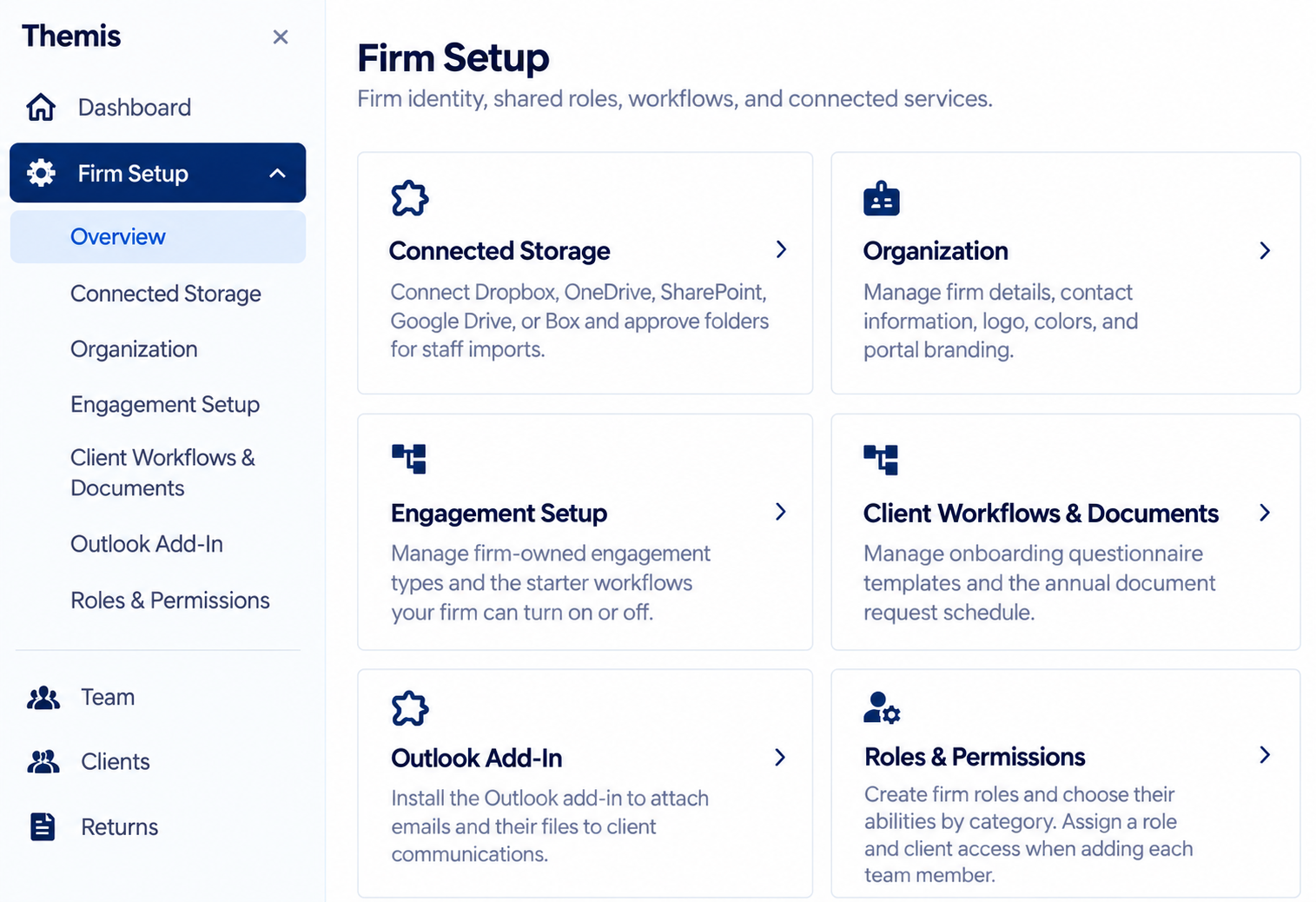
IN THEMIS Firm Setup → Overview
WHAT'S INCLUDED
Give clients a clear, professional place to work with your firm, while reducing the repetitive questions and manual follow-ups your team handles.
Preview an individual client's portal before sending requests or making documents available.
Present your logo, colors, welcome message, and support information throughout the portal.
Clients can explain when a requested document isn't available or was already uploaded, helping your preparers resolve outstanding items.
Organize client uploads, review documents, and other files your firm shares.
Clients sign in securely and can access the documents and information your firm makes available to them.
See who hasn't joined the portal yet and resend an invitation directly from the client's record.
FREQUENTLY ASKED QUESTIONS
No. When you send the first document request or questionnaire, Themis emails a branded invitation. Clients set up their secure sign-in when they accept it.
Clients can upload PDF, JPG, PNG, and TIFF files. Themis tracks each submission and can send uploaded tax documents through the document-processing workflow.
No. Themis separates client access so each client sees only the documents and information made available to them. Learn about Themis security.
Yes. Open the client's record and select Client Portal View to preview what that client sees.
SEE IT IN ACTION
We'll show you how clients receive invitations, upload documents, respond to requests, and review the information your team shares—all within your firm's branded portal.